Save the guides you trust
Open a repair site in the app and tap Save this page. The app picks out the steps, tools, torque specs and pictures and keeps a link to the original page, ready to use offline. Check them against it.

The repair notebook for your Porsche 944 or Mazda Miata. Keep the jobs you do, the steps and torque specs they need, and the history of every car, on your phone, in the garage.
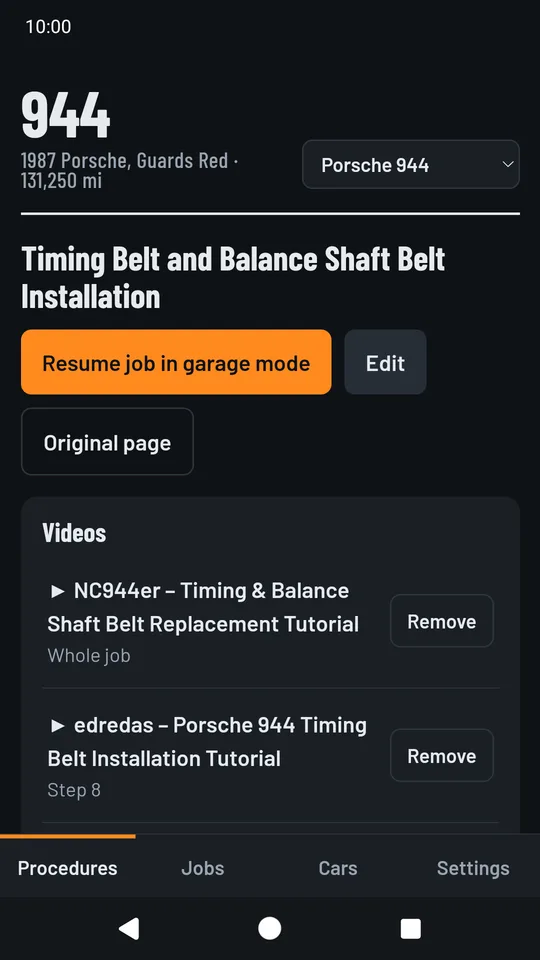
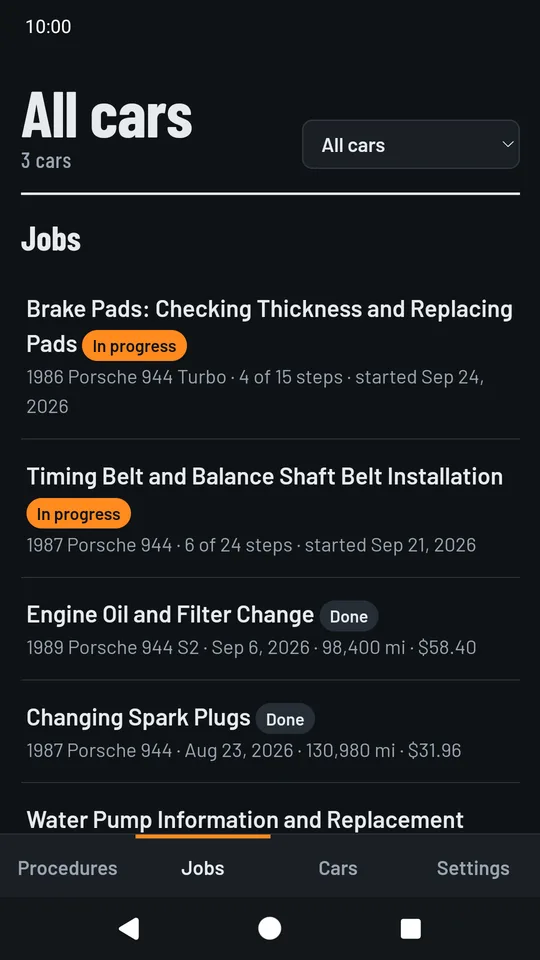
Ref Sensor leads with the 944, 944 S, S2 and Turbo (951), and the cars that share their engine or chassis, the 924 S and 968, now the Mazda Miata too: best for the NA and NB, whose how-tos on Miata sites save step by step, with links to Mazda’s workshop manual and parts catalog, forums and videos for the NC and ND. Other cars can be added too, as a plain notebook. Repair sites, forums and shops are suggested for the car you’ve picked.
Open a repair site in the app and tap Save this page. The app picks out the steps, tools, torque specs and pictures and keeps a link to the original page, ready to use offline. Check them against it.
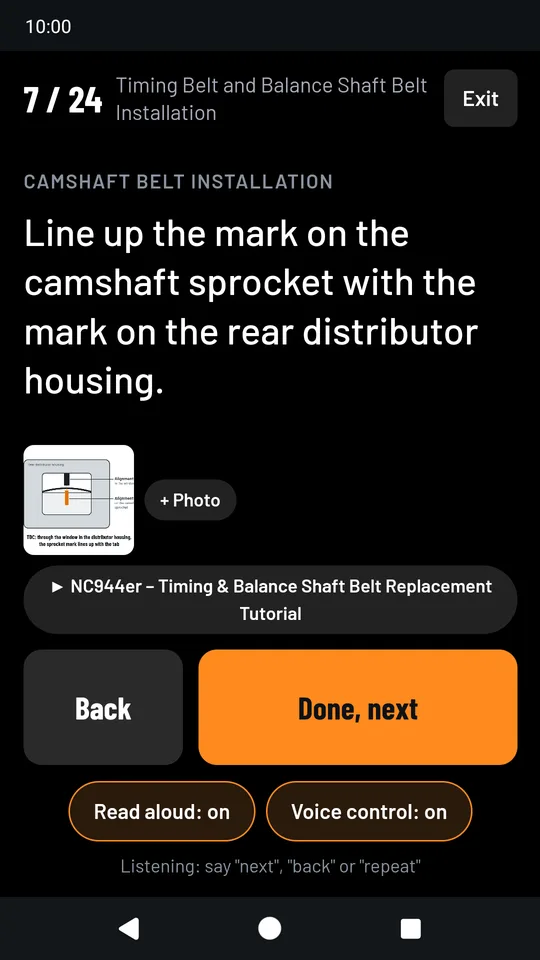
One big step at a time, read aloud if you like, and the screen stays on. Say “next” or “back” when your hands are covered in grease.
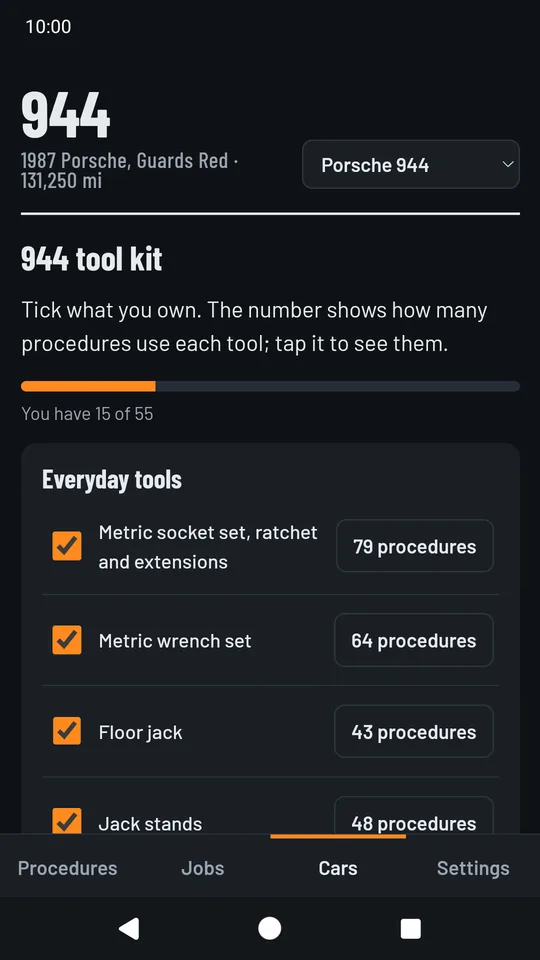
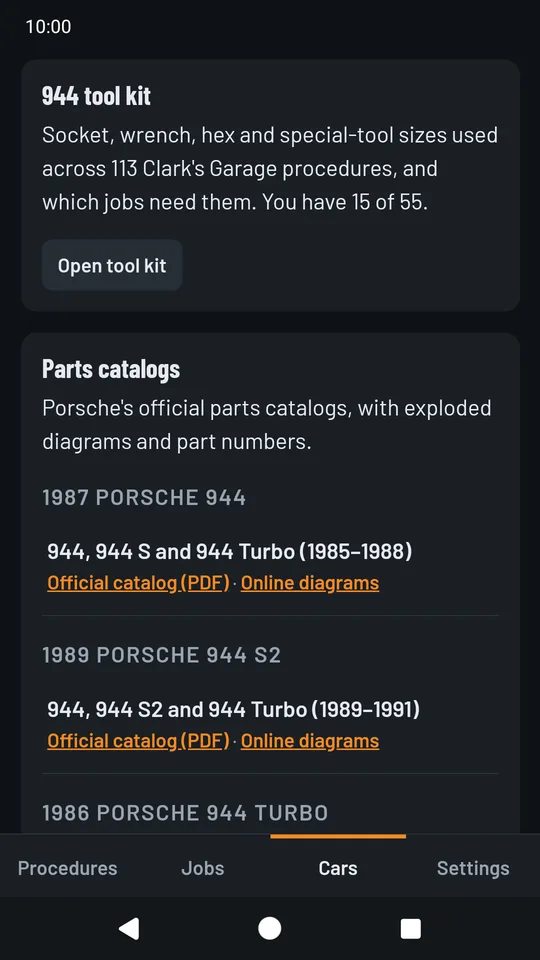
Save the repair videos you find to each job, find the service manuals and parts catalogs Porsche and Mazda publish, and keep a 944 or Miata tool kit that shows which of your procedures need each tool. Tap a part number to look it up at the parts store you pick, or add your own stores, and look up torque specs for any job.
Track each job’s mileage, parts cost and notes. Finished jobs build a service history for every car.
Your notes are never sent to us. No account, no ads, and we don't track you. Save a backup file whenever you like.
Free for one car, three procedures and three jobs in all, with every feature except the service record. For unlimited, and for the service record: Daily Driver, $29.44 for a one-year pass that never renews by itself (the app reminds you before it ends), or Keeper, $94.40 once. When a pass ends, nothing you’ve saved is locked; sharing a new service record needs a pass again. Available in the US.
Miata owner? Our Miata sourcing pages cover the common NA, NB, NC and ND problems: who sells the parts, what owners report, and what Mazda’s own service bulletins say.
Ref Sensor is an independent app, not affiliated with, sponsored or endorsed by Porsche, Mazda, Google or the sites, shops and channels it links to. Porsche, 924, 944, 968, Mazda, Miata, MX-5, YouTube and Chrome are their owners’ trademarks, used only to say which cars and services the app works with. Ref Sensor keeps the repair guides you save, your jobs and your service history. It isn’t a factory service manual: guides saved from other sites can be wrong for your car. Check every procedure and spec against your car’s factory service manual, use proper safety gear, and work at your own risk. See the Terms of Use.
Email support@fischerinteractive.com. Read how the app handles your information in its privacy policy.